
Published HTML5 gameSandboxedLicensed derivativeOwner-reported playtest

Play Emberlight Kart Racing Online

A fast three-lap browser kart racer with eight competitors, two distinctive circuits, drift boosts, items, and selectable racers and chassis.

Play nowOpen game only

Runs with isolated scripts, no top navigation, and no artifact token in the URL.

Licensing disclosure: A licensed derivative of Ryan Campbell’s Kart Royale
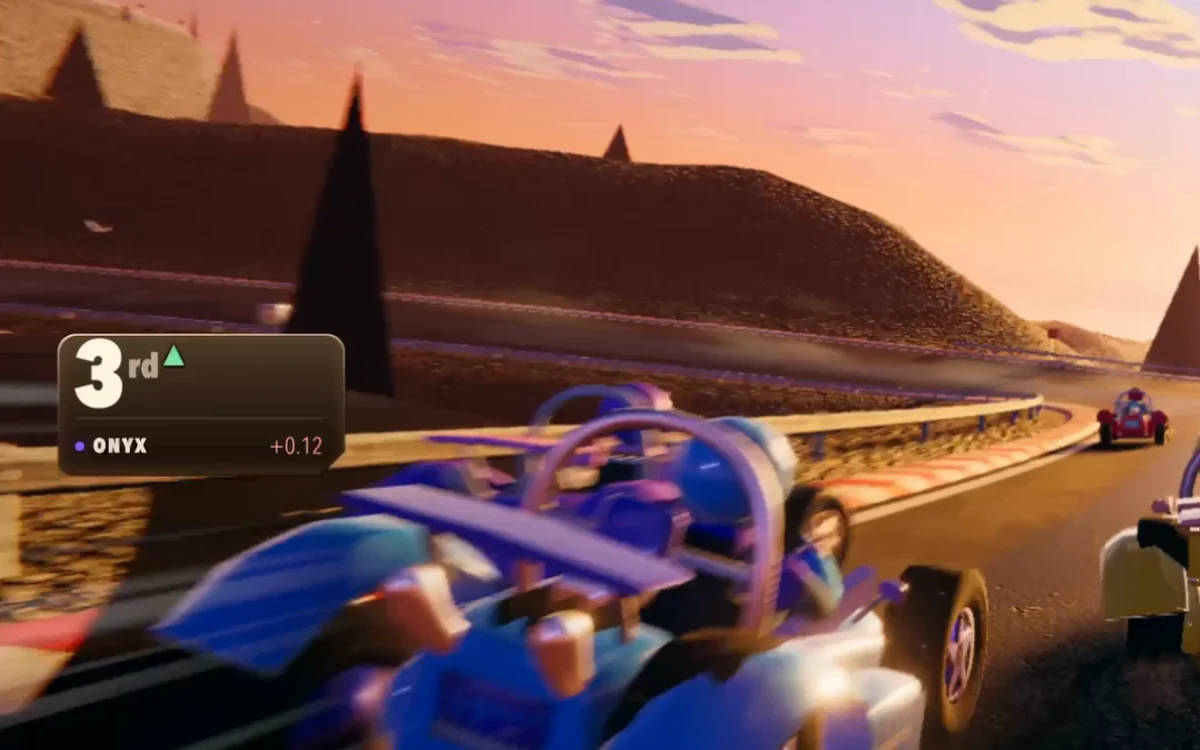
Emberlight Kart Racing cover

Play in browser

Sandboxed game player

Click inside the game to focus controls.

Game information

Released
August 15, 2026
Game engine
HTML5
Platforms
Web browser — mobile and desktop
Orientation
Landscape

Game details

What to expect

Mobile and desktopLandscape layout

Core loop

Choose a circuit, racer, and chassis; accelerate through three laps, chain drifts into boosts, collect and use items, and overtake seven AI rivals.

Goal

Finish all three laps ahead of the seven rival karts.

Failure and restart

Recover after spins or missed lines, then use Pause or the results screen to restart the race with your selected loadout.

Tips for a better run

  • Release a charged drift on corner exit to convert it into a speed boost.
  • Pick a chassis that matches the circuit: Apex is balanced, Skimmer rotates quickly, and Bulwark carries more speed and contact mass.
  • Use items before long straights or near rivals, where their effects are easier to convert into a pass.
  • Try both Emberlight Cay and Obsidian Skyway; their shortcuts and corner rhythms reward different lines.

Tags

kart racingbrowser game3D racingdriftingsingle-playergamepadmobile landscape

Publication details were supplied by the authenticated artifact owner. Internal QA evidence remains private and is not independently verified by this page.

Controls

How to play

  1. 1Keyboard: use Arrow keys or WASD to steer, accelerate, and brake; hold Shift to drift; press Space, Enter, or E to use an item; Escape or P pauses.
  2. 2Gamepad: steer with the left stick or D-pad, use triggers for accelerate and brake, shoulder buttons to drift, X or Y for items, and Start or Back to pause.
  3. 3Touch: play in landscape, steer with the left stick, use auto-accelerate, and tap the right-side controls to drift, brake, or use items.

AI Game Generator

Turn your own idea into a playable HTML5 game

Use OpenGame to generate a focused browser-game draft, test it in a sandbox, iterate in the same Studio conversation, and publish only when the core loop works.

Open the AI Game Generator