
Roblox · Independent guide
A Bizarre Run — Beginner Guide
A Bizarre Run combines horseback racing with Stand combat on Roblox. The Current team’s listing offers a race for first place and a separate Battlegrounds mode. Start by learning the horse controls, then decide whether your next session is about finishing the course or practicing a fight.
Open on RobloxOpen the linked Roblox experience, then use Roblox’s normal launch flow. The game runs in the Roblox client rather than inside this guide. The keyboard table below comes from the current experience description; mobile and controller layouts were not tested.
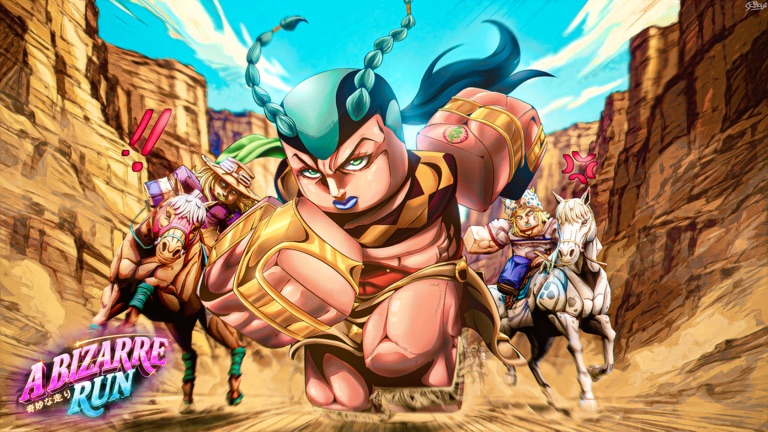
Official Roblox promotional artwork. It identifies the game; it is not a screenshot from our play session.
Image credit: A Bizarre Run By Current. / RobloxOverview
The important first choice is the mode. Racing asks you to keep moving toward the finish while dealing with other participants; Battlegrounds puts the focus on using a chosen Stand against opponents. A result from one mode is not enough to rank a Stand for the other.
The listing currently carries a D4C update tag, but the underlying experience is still A Bizarre Run. Use the exact Roblox page linked here when checking controls or announcements. Similar JoJo-inspired games can share an abbreviation while using different buttons and progression.
First session
Choose a goal for the session
Select the race when you want to learn riding and route reading, or Battlegrounds when you want to focus on Stand combat. For a first race, aim to understand movement and recover from a mistake before treating first place as the only useful result.
Learn riding before spending the boost
The published legend assigns Shift to running while on a horse and Space to jumping. Test them separately in a suitable area. F is described as a one-time boost, so first work out where you want to go instead of pressing it immediately.
Practice getting back to your horse
T calls your horse after you fall off. Remember this recovery input before the race becomes crowded. If an action does not work, check that the game has focus and that you are in the relevant riding state.
Separate your secondary item from your Stand
Tap C to draw a secondary item; hold C to choose one. B draws your Stand. Practice these as three distinct actions so a long press or the wrong equipment state does not interrupt the action you intended.
Review one mistake and retry
After an attempt, pick one problem: losing your horse, spending F too early, or confusing item selection with Stand activation. Change that one habit on the next attempt. This is a learning plan, not a promise of a winning route.
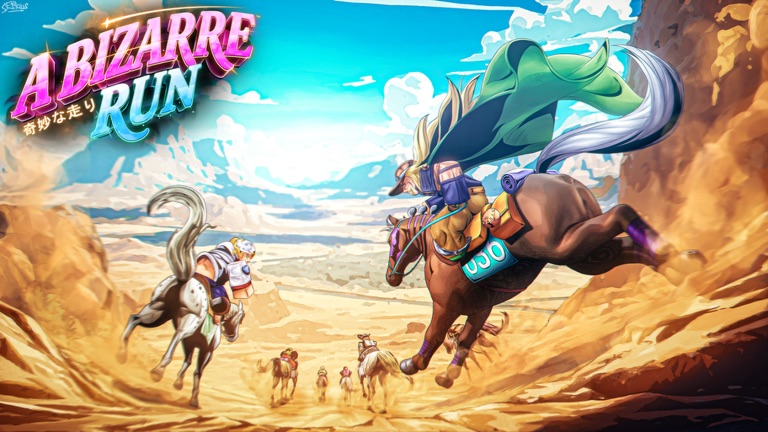
The published riding artwork matches the racing focus. The keyboard reference above comes from the game listing.
Image credit: A Bizarre Run By Current. / RobloxPublished keyboard controls
These are the controls written on the original Roblox listing checked on November 9, 2026. Treat a comma or a held key differently from a separate ability binding.
| Input | Action |
|---|---|
| Shift | Run while riding a horse |
| T | Call the horse after falling off |
| F | One-time boost |
| C | Draw a secondary item |
| Hold C | Choose a secondary item |
| B | Draw your Stand |
| X | Emote |
| Space | Jump |
Race practice and combat practice need different checks
For the race, make recovery repeatable
A useful first benchmark is whether you can resume moving after a dismount without searching for the right key. Once that feels familiar, compare a clean attempt with one where you saved the limited boost for a deliberate moment. The listing does not specify a boost-reset rule.
For Battlegrounds, learn one Stand first
Keep a chosen Stand for several attempts and learn its live ability labels, reach and feedback. The verified listing confirms Stand choice, but it does not publish a complete current damage table or ranking. Pick according to what you can execute consistently rather than an unsupported universal tier list.
Check the input’s context
Shift is specifically listed for riding, while T is the recovery call after falling off. An input that works in one state may be the wrong diagnostic in another. Read the live prompts before assuming that a copied key sheet from another game applies.
A useful first-race exercise
Before chasing a full combo, rehearse this sequence: identify the riding state, use Shift, distinguish C from holding C, then remember where T is if you dismount. Keep F available until you have decided when to use it. The exercise is about knowing your controls under pressure.
When you switch to Battlegrounds, reset the goal: recognize your Stand’s actions and learn one exchange at a time. This keeps race movement problems separate from combat execution, making each retry easier to learn from.
Questions
Is this A Bizarre Race or another JoJo game?
This page covers Roblox place 108055619068945, credited to A Bizarre Run By Current. Use that exact destination; another game’s progression, code or keybind is not automatically compatible.
How do I call my horse and summon my Stand?
The checked listing uses T to call the horse after falling off and B to draw the Stand. Tap C and hold C instead control the secondary item.
Does “one-time boost” mean once per stage?
The published control text only says one-time boost. This guide does not infer its reset timing. Check the current in-game meter and prompts before planning around an extra use.
Where are the working codes?
No code was redeemed in this review. Like-goal announcements on the listing do not prove that a reward code is currently usable. Check the experience’s current announcements and avoid applying codes from a namesake game.
Sources and review
Checked:
Source and visual review, not a native Roblox playtest. Race completion, individual Stand abilities, boost resets and mobile/controller input remain untested. The linked showcase was inspected as video footage, not as our own gameplay.