
Game guides
The Hollow Roblox Guide: Start Time and Rewards
Check The Hollow Roblox start time in your time zone, confirmed monsters, access conditions and reward dates, with a checklist for your first visit.
Checked October 22, 2026, before the public opening. This is a launch preparation guide; live quests have not been tested.
Planning your first The Hollow Roblox session? Use the schedule below to arrange a shared start, then keep the visit checklist beside you when the hub opens. It helps you record the objective, the requirement and the result without relying on a guessed walkthrough.
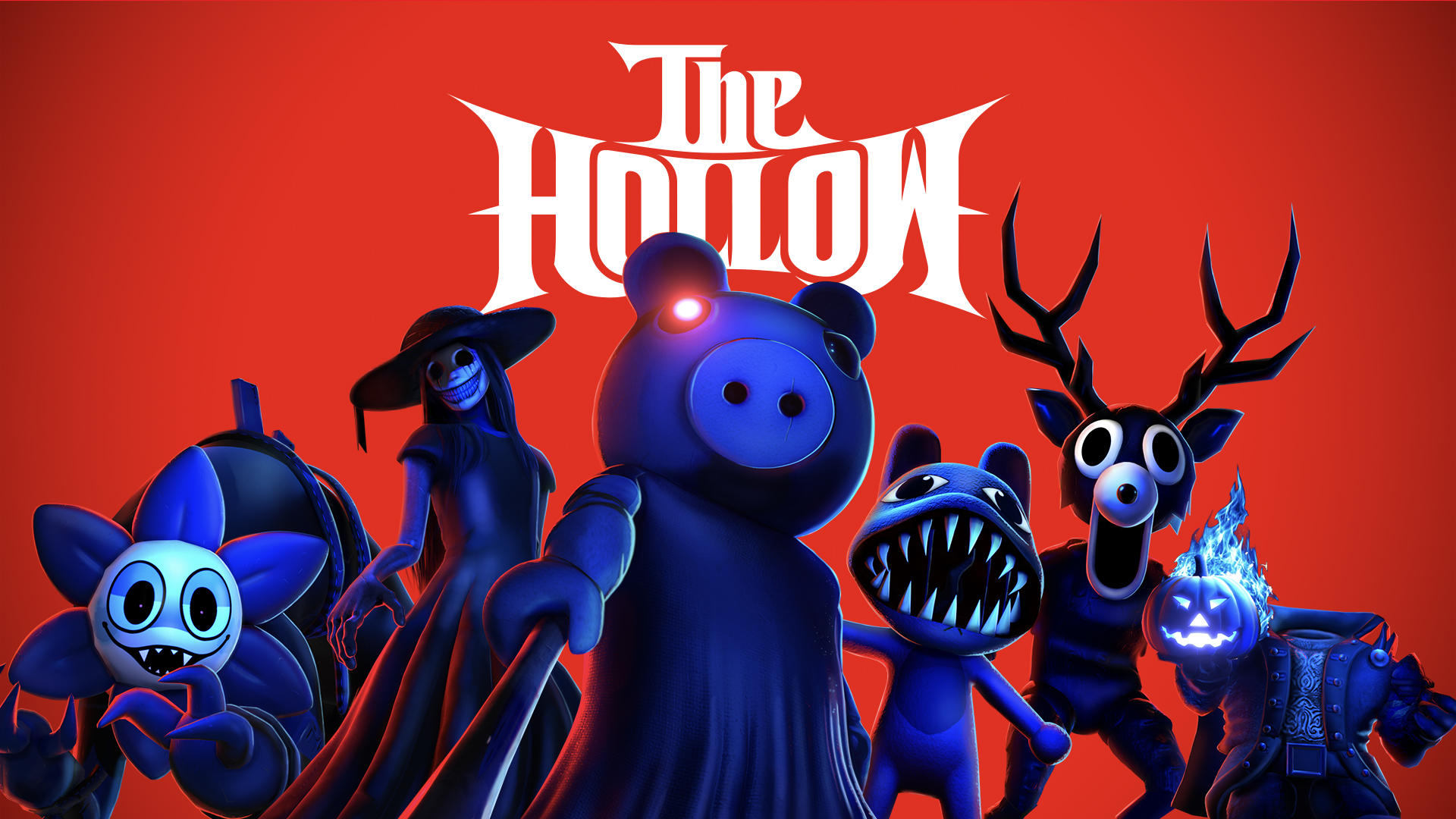
Official announcement artwork, © Roblox and the respective character owners. Image source.

What time does The Hollow start?
The announced public opening, converted into local times:
- Los Angeles: October 22, 2 p.m. PDT.
- New York: October 22, 5 p.m. EDT.
- London: October 22, 10 p.m. BST.
- Beijing and Singapore: October 23, 5 a.m.
Plus subscribers have a two-hour head start to explore the hub. General access is aimed at ages nine and older in most regions; local eligibility varies.
When arranging a group, share one time-zone-qualified appointment. “Thursday evening” can mean different sessions for friends overseas. A calendar entry with the location set to Los Angeles is more useful than a screenshot of a countdown whose time zone is hidden.
Where should you enter?
Start with the official announcement and Roblox's own event promotion. A direct hub address has not yet been verified for this guide. We are not substituting a same-name experience from search results.
Before joining an experience, compare its creator and destination with the official event link. A familiar thumbnail alone does not establish that you have found the intended hub. If a shared link fails, ask which page it came from before repeatedly searching the event name.
For a group, have one person share the verified experience page, then check that everyone is using the same destination. This also makes troubleshooting easier: a failure to open the page is a different problem from reaching the page but being unable to join.
What monsters and rewards are confirmed?
Roblox lists Deer, Seek, Twisted Dandy, Piggy, Inspector, Mimic, Biter, Hiachi and Overseer. The event adds a monster each day across nine days; that list does not establish the daily order.
Quests award UGC and survival rewards. The finale is October 31, with reward collection continuing until noon PST on November 2. Marketplace purchases and Plus benefits are separate from quest rewards.
A checklist for your first visit
Use this small checklist when the hub opens. It is a way to record what the live experience actually asks you to do, rather than a guessed quest solution:
- Read the current objective before leaving the starting area. Write down its exact wording. “Find an object” and “survive an encounter” call for different approaches.
- Record the requirement beside the reward. Note whether the interface asks for quest progress, a purchase or a subscription. Do not treat every pictured item as an earnable quest prize.
- Check progress after one objective. Compare the task display before and after your attempt. If it has not changed, investigate that step before repeating a long route.
- Keep completion and collection separate. Look for whatever confirmation the live interface supplies. Save a screenshot of the result if an item appears missing afterward.
- Compare instructions by date. A route recorded for one day's layout may not describe the next session. Keep the task name and capture date with any notes you share.
If you cannot enter, record the exact error, device and attempted time. That gives you a useful starting point for the Roblox Help Center, instead of assuming every failure is caused by the event timer.
More games and a small creator idea
For something playable while you wait, browse the OpenGame browser-game collection. If you prefer planning a group session, our Scam With Your Friends multiplayer guide covers a separate co-op game.
The Hollow also suggests a compact design exercise: one original maze, a readable warning and an exit the player can learn to reach. You can explore that idea in OpenGame Studio, using your own theme and characters. Such a prototype is a separate game and has no connection to Roblox event rewards.
Source note
Primary source: Roblox event announcement. Time conversions and checklists by OpenGame. Quest routes, item-by-item requirements and a verified hub URL remain to be added after checking the live event.