
OpenGame guide
Enshrouded 1.0 Guide: Co-op, Building and Sparkworks
Start Enshrouded 1.0 with current platform, co-op and save guidance. Explore building and Sparkworks with official images and a first-session checklist.
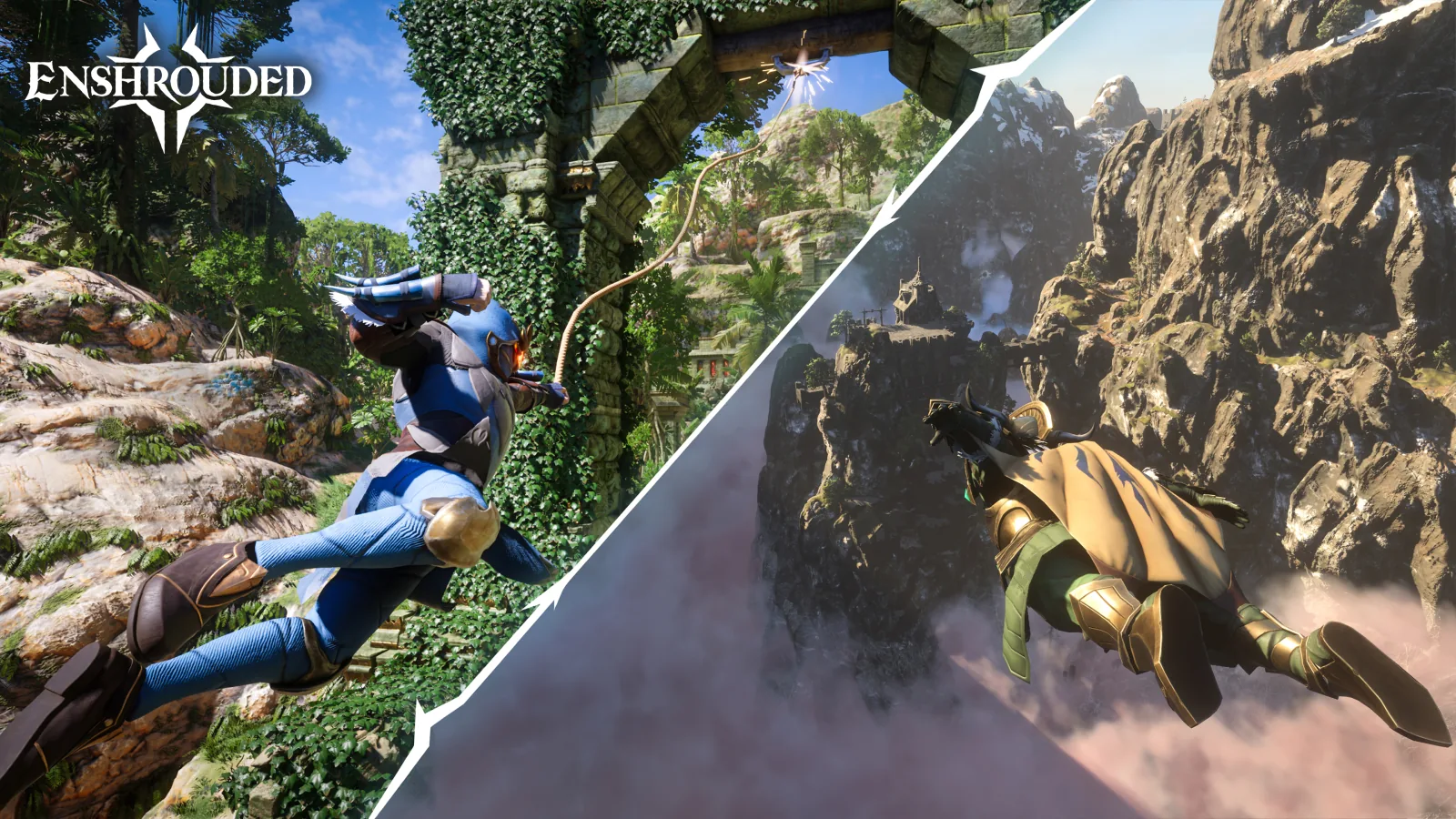
Official Enshrouded 1.0 promotional artwork. © Keen Games GmbH. Source: official launch press kit.
Updated October 21, 2026.
Enshrouded combines survival, action RPG progression and voxel building in Embervale. Its 1.0 release arrived on October 15, 2026. If you are starting now or returning from Early Access, this guide helps you choose a first-session goal, check co-op and save compatibility, and understand the new Sparkworks creation tools.
The useful starting points are the official game website and Steam product page. Launch material covers PC and PlayStation 5; check your intended platform's listing before organizing a group.
In this guide: 1.0 changes · First session · Co-op and crossplay · Early Access saves · Loading problems · Building and Sparkworks.
What changed in Enshrouded 1.0?
The official 1.0 changelog makes several older guides worth checking carefully:
- A completed map and a new northern region. Cinder's Cradle adds volcanic terrain and floating islands, alongside additional explorable areas elsewhere in Embervale.
- Higher progression ceilings. The new player level cap is 50, with equipment upgradeable to level 55.
- More building interaction. Sparkworks introduces craftable interactive elements and a graph editor for connecting their behavior.
- Changes to distant scenery. The new brick renderer is intended to preserve more terrain and building detail at range.
For a particular quest route or character build, check the game version before following the steps.
A practical first-session plan
Here is our suggested learning sequence:
- Choose what the session is for. A first exploration trip, a shared base and a combat-focused outing each require different preparation. Agree on one result you want before chasing every visible objective.
- Complete the opening guidance and establish a usable home. Focus on finding the relevant crafting and storage screens before attempting an elaborate build. A small base you understand is easier to expand than a large project without a clear purpose.
- Check your next equipment tier. In 1.0, the changelog says upgrading the Flame unlocks the next tier's craftable armor sets. If an old guide points you toward a missing recipe, check the current progression requirement before repeating the old resource hunt.
- Take a short trip and return. Notice which supplies ran low, how readable the route was and whether your chosen equipment suited the encounter. Use that result to prepare the next trip.
- Expand one system at a time. Add more ambitious exploration, a more detailed building plan or a new combat role once the basic loop makes sense to you.
The question after an early session is useful and concrete: what prevented you from completing the objective? A shortage of supplies, unclear navigation and unfamiliar combat require different adjustments.
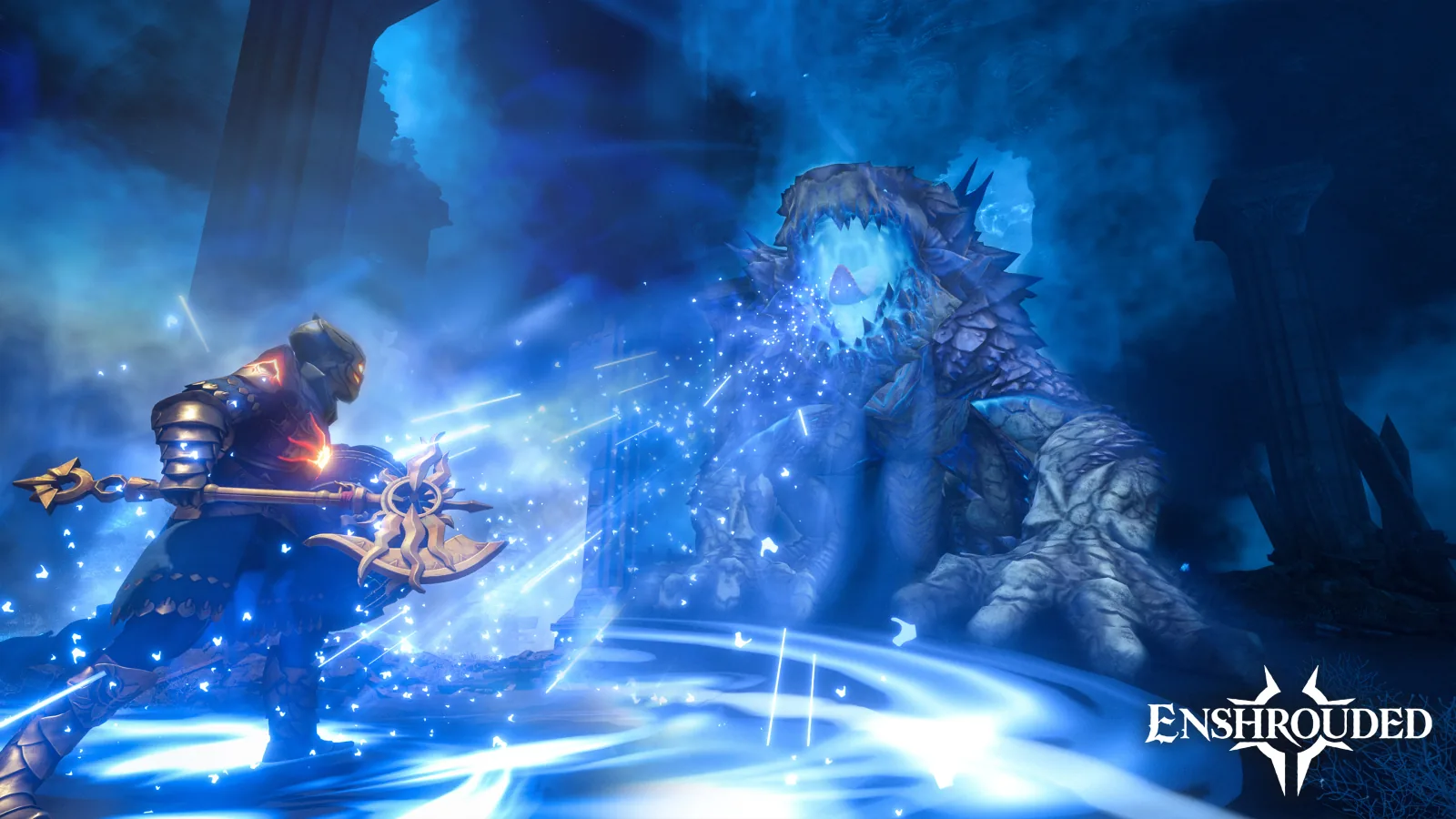
Official 1.0 combat scene. © Keen Games GmbH. Official image source.
Enshrouded co-op: can PC and PS5 play together?
Keen's launch FAQ states that cross-platform play was not available at the 1.0 launch. The team says it is working on the feature without giving an estimated date. Check later official announcements before planning a mixed PC-and-PS5 group.
The Steam listing advertises solo play and co-op for up to 16 players on PC. Check the console listing for the session capacity and requirements of the PS5 version.
For a PC group, decide who owns the shared world and when it needs to be available. A hosted session and a dedicated server are different arrangements; use the developer's multiplayer and hosting documentation for the relevant setup.
If you cannot find a PC server, the official server FAQ documents the Join browser and the dedicated-server filter. Check the intended server, filter, password and game version before changing unrelated settings.
For a building group, permissions matter as much as joining. Keen's server roles guide distinguishes visitors from players allowed to change bases, access containers or administer a world. Agree who should build and who is visiting before sharing access.
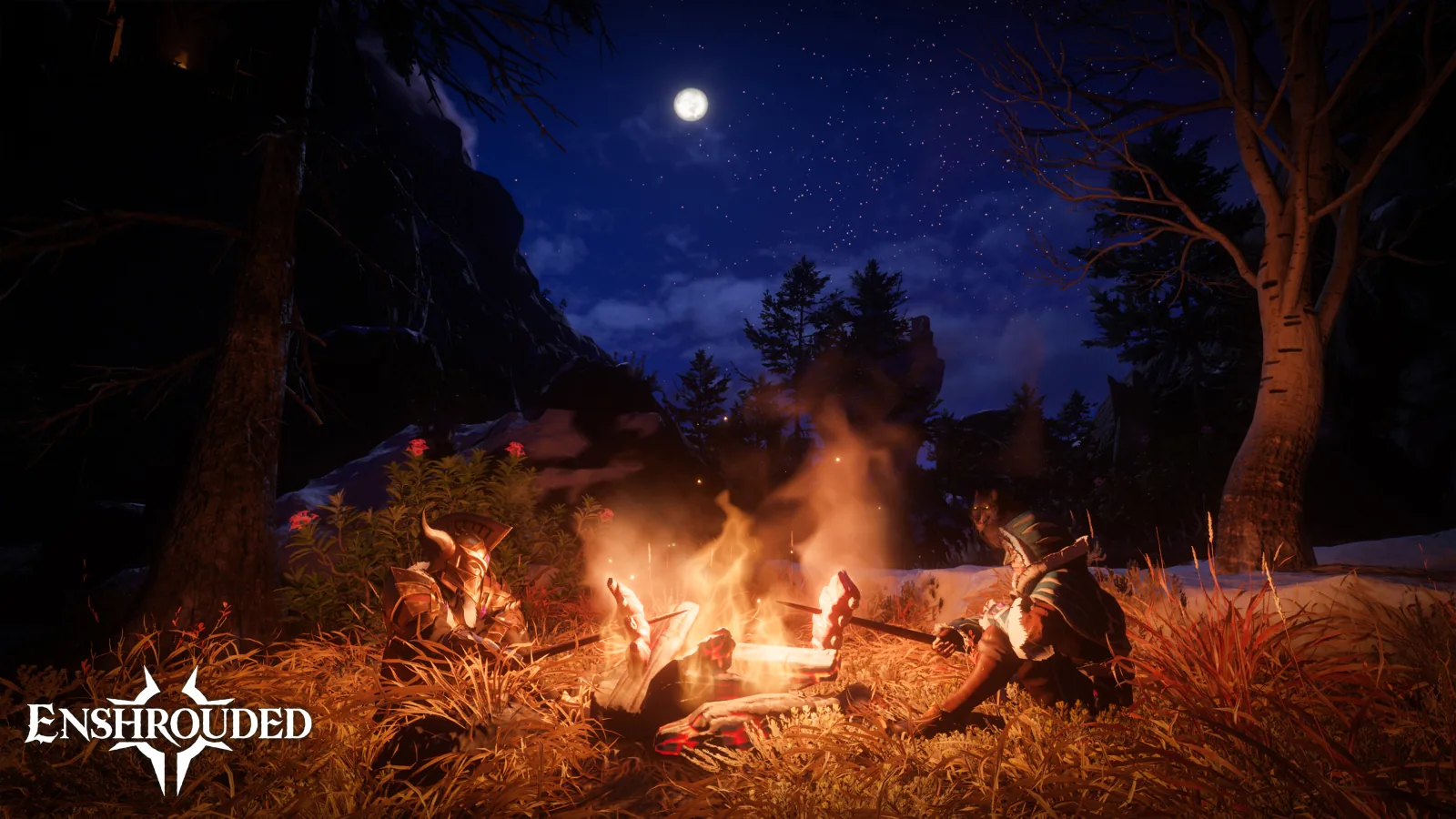
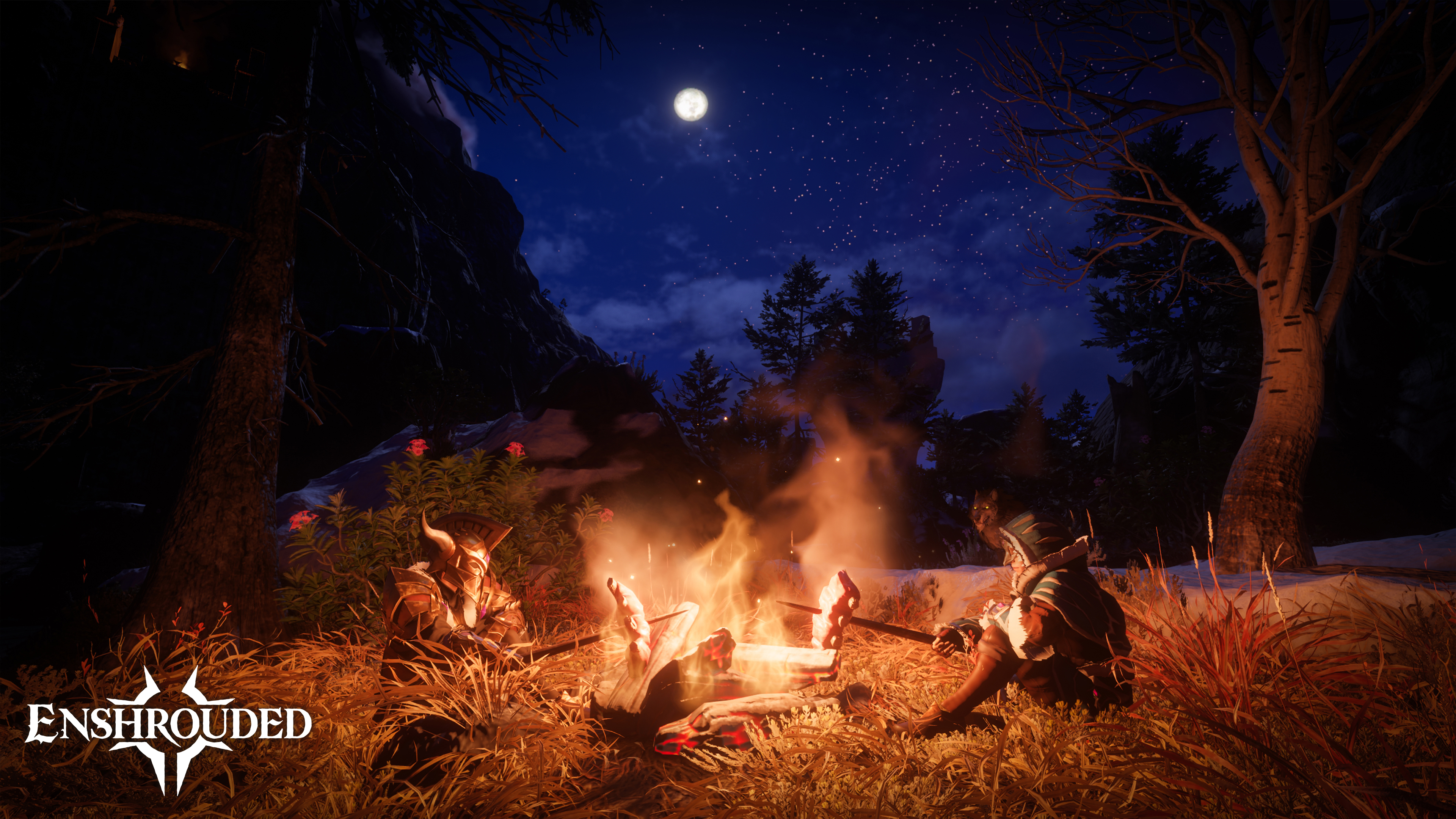
Official 1.0 campfire scene. © Keen Games GmbH. Official image source.
Do Early Access saves carry over to 1.0?
Yes, according to the launch FAQ. Existing PC Early Access owners retain access to 1.0, and older saves can be converted to the new format. Starting over is a developer suggestion for experiencing the revised early game, rather than a requirement to keep playing.
The 1.0 changelog also says an existing character's skill tree resets on first use in the new version. Check and spend those available skill points before assuming the character has lost its progression.
Our preparation checklist is to retain a separate backup, update the relevant client and server, allow the conversion to finish, and verify the intended character and world before beginning a long session.
Check the hotfix before troubleshooting a black screen or crash
At this guide's October 21 check, the official news feed included Hotfix 1.0.0.3, identified as version 1273043. Its fixes include multiplayer loading black screens, several crash cases and particular save-migration problems.
Record the version shown by your own installation and the exact failing step. “The world will not load” could mean a startup problem, selecting a save, converting older data or joining another host. Note which of those happened before treating it as a graphics-setting issue.
If the problem remains after the applicable update, give the official support team your version and the exact failing step.
Enshrouded building: what does Sparkworks add?
Voxel construction already gives players control over terrain and structures. Sparkworks adds a way to connect an interaction to a result: for example, a lever opening a door or a pressure plate activating a trap.
The publisher's Sparkworks announcement describes Switchboxes, trigger zones, clocks and logic operations, with creations distributed through Adventure Sharing. Browsing categories and tags or entering a Share Code helps visitors locate an adventure.
A useful first design is one small room with one interaction. Use this small example to plan the player feedback:
| Design question | Small first-room example |
|---|---|
| What does the player notice? | A visible lever beside a closed passage. |
| What action changes the room? | Pulling the lever opens that passage. |
| How is success made clear? | The opening is visible from the lever. |
| What should a visitor test? | Whether they understand the interaction without the builder explaining it. |
Build the smallest cause-and-effect loop first. Then add a second condition, a timed sequence or a more elaborate encounter. Check that the result remains understandable after each addition; complexity is useful when it creates an interesting player decision.
Adventure Sharing is a way to let people visit a designed experience inside Enshrouded. An interactive adventure needs understandable goals and feedback as well as an interesting setting.
Turn the idea into an original browser-game prototype
A clear goal, a readable interaction and an obvious result are also useful when building a smaller standalone game. Our guide to making a browser game with AI explains that separate workflow.
To try an original puzzle-room idea in OpenGame Studio, start with one room, one trigger, one visible outcome and a restart rule. Use your own setting and assets, then see whether another player understands the interaction. Sparkworks experiences run inside Enshrouded. The OpenGame workflow creates an independent browser game.
Source note
Version and feature information comes from Keen Games' 1.0 release announcement, 1.0 changelog, launch FAQ, Sparkworks introduction, publisher press announcement and Hotfix 1.0.0.3, checked October 21, 2026. PC mode information comes from the Steam listing; PC hosting and permissions references come from the linked official support articles, whose earlier update dates are noted where relevant.
This guide was written from official documentation. The first-session plan, troubleshooting sequence and puzzle-room example are editorial suggestions; we have not conducted an Enshrouded playtest for this article. Images are official promotional material from the public Enshrouded press kit, © Keen Games GmbH. They illustrate the game and are not captures of an OpenGame test session.
Enshrouded and its imagery belong to Keen Games. OpenGame publishes this guide independently.