
Game guides
7 Deadly Sins Test Results and How to Read Your Scores
Read your 7 Deadly Sins Test scores, understand ties, compare quiz versions, and learn how to embed OpenGame’s browser game on your own site.
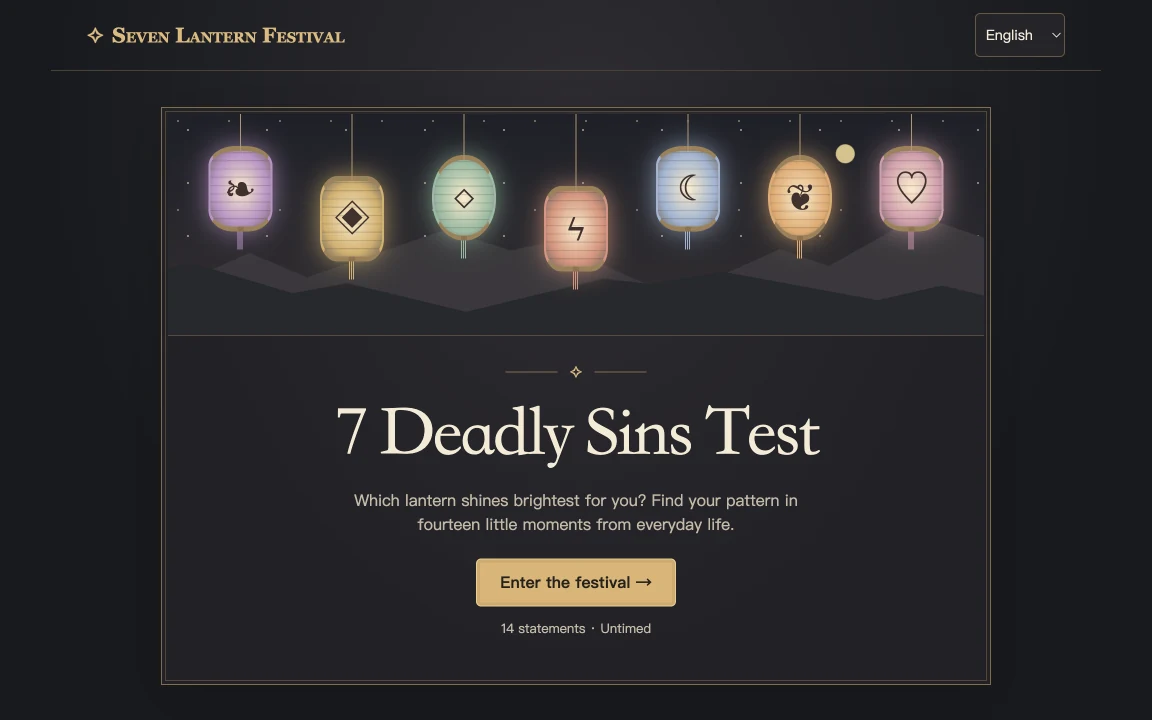
A 7 Deadly Sins Test turns answers about everyday habits into a profile across pride, greed, lust, envy, gluttony, wrath, and sloth. Your highest score highlights the tendency you endorsed most often or most strongly in that quiz. If two categories tie, the full score chart gives you more to reflect on than a single label. Take the OpenGame test
Embed on your site
How OpenGame calculates your result
OpenGame asks 14 questions, with two statements for each of the seven tendencies. The five choices, from Never to Almost always, award zero to four points. The game adds the two answers for each tendency to produce a score from 0 to 8.
For example, choosing 3 and 2 for the two pride statements gives a pride score of 5 out of 8. Choices 4 and 1 for the two envy statements also give a score of 5 out of 8. If those are the highest scores, pride and envy share the lead. Changing one answer can change that order.
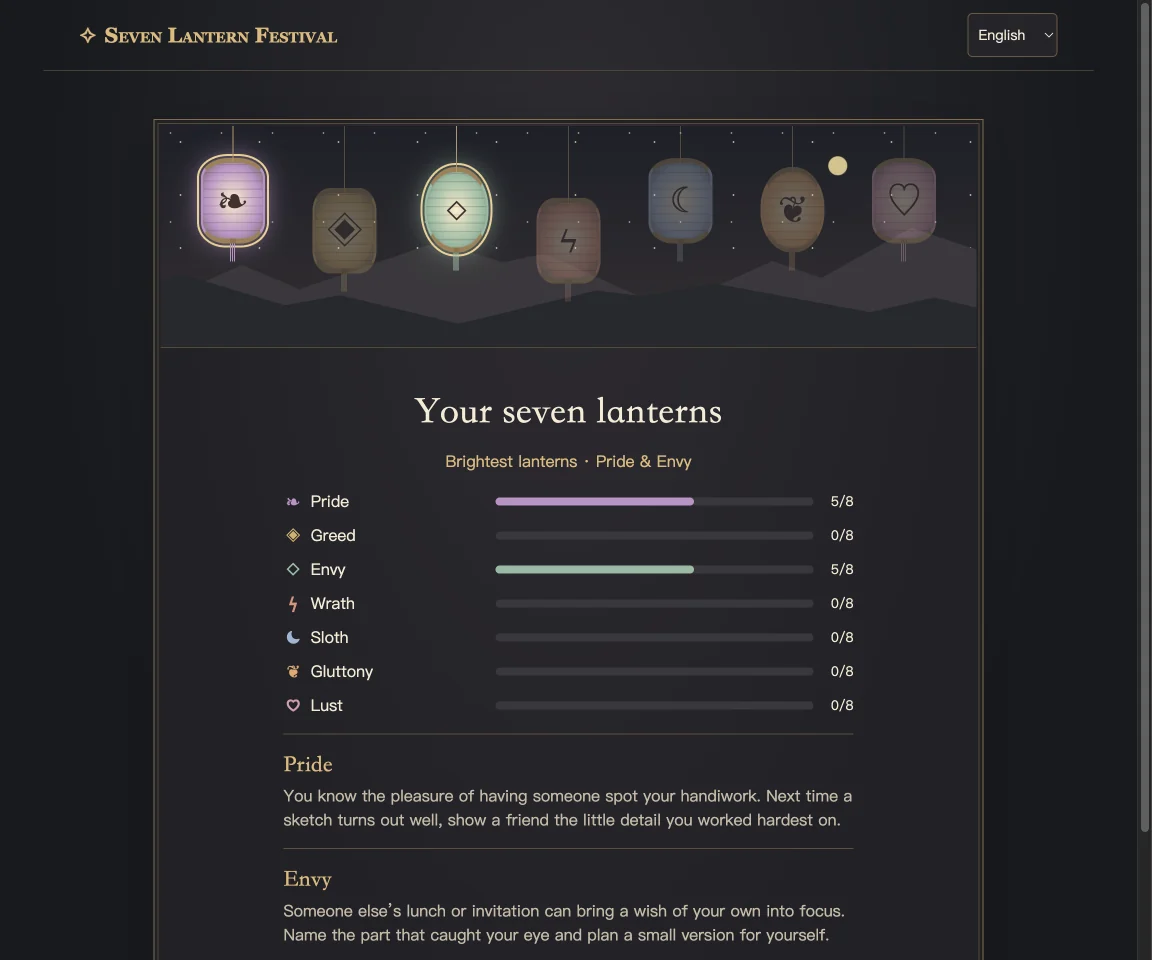
When two or more tendencies share the highest score above zero, the game lists all of them. If all seven scores are zero, it shows a neutral result. Select Retake to clear your answers and return to question 1.
How to read ties and close scores
- Check the whole chart. A highest score tells you where you placed the most points. Looking at the other six scores shows whether that tendency stands out by a lot or a little.
- Read every tied category. If pride and envy share the lead, think about what prompted each answer. Wanting someone to notice your effort and comparing your progress with another person can come from different situations.
- Consider the questions that drove the score. A few choices made while thinking about a tough week may produce a different profile than answers based on your usual habits.
Use the result as a conversation starter or a moment of self-reflection. To compare with a friend, choose the same quiz and look at your score patterns together. Share your result only if you feel comfortable doing so.
Which version of the 7 Deadly Sins Test did you take?
Several browser quizzes use the same name. IDRlabs presents 35 statements with answers along a scale from disagreement to agreement. 7deadlysinstest.com describes a 21-question version with three statements per category, scores out of 12, and a result card. Keep the site name or link with any score you share so another person can find the same version. Each version can phrase its questions differently and present scores on a different scale. IDRlabs quiz · 21-question quiz and scoring notes
OpenGame’s independent adaptation uses its own questions and a lantern-themed presentation. You can open the test in your browser and use the displayed choices on a phone or desktop. Find more browser games in the OpenGame games library.
How to embed the quiz on another website
Open Embed on your site below the quiz and copy the iframe code into your site's HTML or custom embed block. You can also use Embed game on the OpenGame quiz page. Give the frame enough height to show the answers and navigation on a narrow phone, and check that the result chart can scroll if needed. Keep a link to the standalone game nearby so readers can open it directly.
If your website has a Content Security Policy that limits frames, allow https://opengame.app in its frame-src directive. Keep the sandbox settings in the generated code. Preview the page and complete a full round from the first question to the results before publishing your embed. If you want to build a different questionnaire, use OpenGame Studio to define your own questions, scoring scale, and result screen.
Source note
The version comparison uses the publishers’ own descriptions, checked November 19, 2026. The scoring example is illustrative. Each quiz's results reflect its own questions and scoring rules.